Silence in a voice acting competition is the fastest way to lose a round. When your microphone works everywhere else but Be A Voice Actor treats you like a mute extra, the problem is rarely the game itself. This be a voice actor voice chat fix guide walks through the exact verification, toggle, and permission chain that controls whether the lobby can hear you.
Why Voice Chat Fails Before The First Round
The official Roblox listing for Be A Voice Actor states plainly that Voice Chat is required to compete, which means the platform-level gate sits in front of every scoring round. Players who skip verification can still load into the lobby, watch others perform, and even see the prompt cards, but their audio never reaches the scoring system. The experience was created on 2026-08-30 and received its most recent update on 2026-09-18, so the voice requirement is baked into the current build rather than a legacy holdover.
The most common failure point is not a broken headset or a muted Windows input. It is the Roblox age verification step that never completed. Roblox gates spatial voice behind an ID check for users who claim to be 13 or older, and until that check passes, the platform silently blocks microphone transmission inside any experience that requires voice. The game cannot override this because the restriction lives one layer above the experience itself.
A second common cause is the enable toggle inside Roblox settings. Even after verification passes, the voice chat feature can remain switched off, which produces the same silent-lobby symptom. Players often assume verification and activation are the same step, but they are separate gates that must both be open.
| Failure Point | Symptom | Where To Check |
|---|---|---|
| Age verification incomplete | Microphone icon missing, no voice prompt | Roblox account settings under Privacy |
| Voice chat toggle off | Icon visible but grayed out | Settings > Privacy > Voice Chat |
| Experience-level permission | Other games work, Be A Voice Actor silent | Game page About section |
| Device input not selected | Green ring never appears around avatar | Roblox settings > Input Device |
| Platform parental controls | Voice option hidden entirely | Parent dashboard or family settings |
Because the game enforces voice at the experience level, any one of these gates can produce a complete audio blackout. The fix sequence below moves from the most common platform issue to the least common device issue, so you can stop troubleshooting after the first successful test.
Getting Verified Before You Queue
The roblox voice chat setup path begins in the account settings, not inside Be A Voice Actor. Roblox requires a government-issued ID or a supported payment card to confirm age, and the verification portal is accessible from the Privacy tab on both desktop and mobile. Community reports consistently show that the ID scan takes under five minutes when the lighting is decent and the document edges are visible.
Once the age check passes, the platform unlocks the voice chat toggle automatically for accounts that meet the 13-plus requirement. The toggle does not flip itself on, which surprises players who expect verification to be the final step. You still need to open Settings, navigate to Privacy, and switch the Enable Voice Chat option to the on position.
The roblox voice chat how to turn on sequence follows a strict order. Skipping ahead to the microphone test without completing the earlier steps simply repeats the same silent result, because the platform checks each gate in sequence before it opens the audio channel.
| Step | Action | Expected Result |
|---|---|---|
| 1 | Open Roblox Settings from the gear icon | Settings menu appears |
| 2 | Select the Privacy tab | Privacy options load |
| 3 | Complete age verification if prompted | Verification badge appears |
| 4 | Enable the Voice Chat toggle | Toggle shows green or on state |
| 5 | Join Be A Voice Actor and speak | Green ring appears around your avatar |
The green ring around your avatar is the universal Roblox indicator that your microphone is transmitting. If the ring never appears while you speak, the platform is still blocking your input somewhere in the chain, and the next section covers the safety settings that commonly cause this.
Safety Settings That Mute Kids And New Accounts
The be a voice actor kids voice chat situation is different from the adult troubleshooting path. Roblox applies stricter defaults to accounts registered as under 13, and those defaults cannot be changed from inside the child account. A parent or guardian must approve voice access through the parent dashboard, which is a separate login tied to the family email.
The be a voice actor voice chat safety layer also includes the microphone permission prompt that appears the first time a browser or app tries to access the input device. If that prompt was dismissed or denied, the browser remembers the choice and silently blocks all future attempts. Clearing the site permission for Roblox and reloading the experience forces the prompt to reappear.
Platform-level moderation can also mute an account temporarily. The roblox voice chat suspended guide covers the enforcement side, but the short version is that a prior voice report can disable transmission across every experience, including Be A Voice Actor. Checking your account status before blaming the game saves a long troubleshooting session.
Parent Dashboard And Family Controls
The parent dashboard exposes a voice chat permission switch that overrides the child account's own settings. When this switch is off, the child sees the voice option but cannot activate it, and the game reports the same silent-lobby symptom as a hardware failure. Parents who want to allow voice only in specific experiences cannot do so at the platform level, because Roblox voice permissions apply globally.
The be a voice actor voice chat guide recommendation for families is to test voice in a private server first. Be A Voice Actor runs on a maximum server size of 7 players, which means a parent can fill a private lobby with trusted friends and verify that the child's audio works before joining public rounds. This avoids the awkward situation where a child discovers their microphone is muted mid-competition.
Browser And App Permission Resets
Desktop browsers store microphone permissions per site, and a denied prompt persists until manually cleared. In Chrome, the site settings panel for Roblox shows a microphone dropdown that can be reset to Ask. In the Roblox desktop app, the permission lives at the operating system level, so Windows and macOS users need to check the microphone privacy settings in their system preferences.
Mobile players face an additional layer because both iOS and Android require app-level microphone permission before Roblox can access the input. The roblox voice chat setup on mobile starts in the device settings, not the Roblox app, and skipping that step produces the same silent result as a platform-level block.
Testing Your Audio Inside Be A Voice Actor
The fastest way to confirm a working fix is to join a lobby and watch for the green voice ring while speaking. The ring appears around your avatar's head and pulses with your input level, which gives immediate visual feedback without needing another player to confirm. If the ring appears but other players still cannot hear you, the issue shifts from platform permission to audio routing.
Audio routing problems happen when the wrong input device is selected. Roblox lets you pick a specific microphone in the settings menu, and a headset that was unplugged or a webcam microphone that took priority can hijack the input. The input device dropdown should show your intended microphone by name, and selecting it manually often fixes one-sided audio.
The roblox voice chat echo fix article covers the case where players hear themselves or others hear an echo, which is a different symptom from total silence. Echo problems point to speaker bleed or a too-sensitive gain setting, while silence points to a blocked or misrouted input.
| Test | What To Do | Pass Condition |
|---|---|---|
| Green ring check | Speak while watching your avatar | Ring pulses with your voice |
| Input device check | Open Roblox settings, select microphone | Correct device name appears |
| Private lobby test | Join with a friend in a 7-player server | Friend confirms clear audio |
| Browser permission reset | Clear Roblox site settings, reload | Permission prompt reappears |
| Account status check | Review any moderation notices | No active voice suspension |
The be a voice actor voice chat fix that works for most players is simply completing the age verification and flipping the toggle, but the testing table above catches the cases where a second issue hides behind the first. Working through each row in order prevents the frustration of fixing one gate while another remains closed.
When The Game Itself Needs Attention
The official Be A Voice Actor page on Roblox confirms that the experience auto-saves progress and runs on a Social / Party and Casual genre tag, which means the voice system is central to the design rather than an optional add-on. When the platform gates are all open and the green ring appears, but the lobby still reports silence, the issue may sit inside the experience's own audio handling.
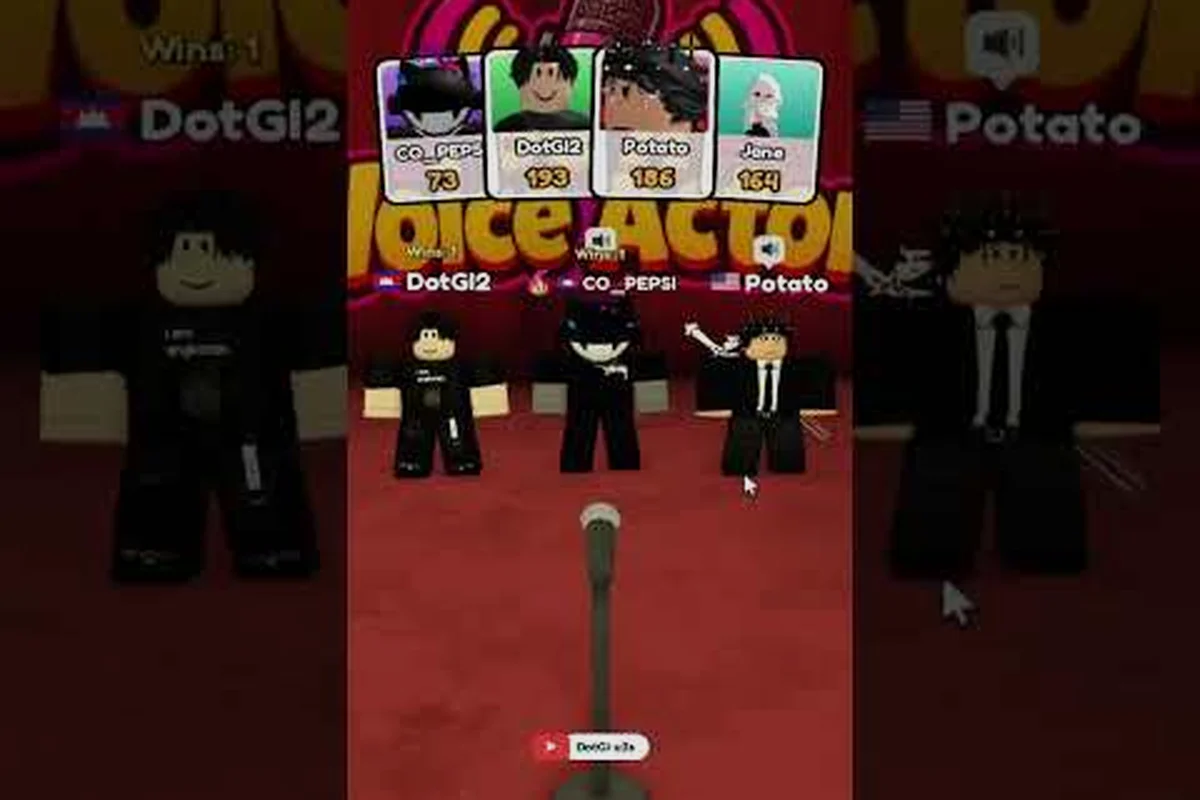
Community gameplay uploads, including the live-format video from a longer live session recorded by Symzrblx, show repeated rounds where the lobby refills between sessions and scores accumulate across a full sitting. Watching a full round in motion helps players understand what normal audio behavior looks like, which makes it easier to spot when their own client deviates from the expected pattern.
The official Roblox group for Be A Voice Actor is the developer's only community channel, with around 9,000 members and no Discord or X account. The group wall is where update announcements appear, and players who want early patch information follow that wall rather than a social feed. If a voice bug affects a specific device or platform, the group wall is the first place the developer posts a workaround.
Rejoining And Server Refresh
A stale server can hold a broken audio session even when every client-side setting is correct. Leaving the experience and rejoining a fresh lobby forces the server to rebuild the voice channel, which clears transient issues that a settings check cannot fix. Because the game caps servers at 7 players, a fresh lobby is usually available within a few seconds of leaving.
The be a voice actor voice chat fix that involves rejoining works best when combined with a full client restart. Closing the Roblox app or browser tab clears the cached permission state, and the next launch re-runs the microphone handshake from scratch. Players who only rejoin without restarting sometimes carry the broken state into the new lobby.
Platform Updates And Known Issues
Roblox pushes platform updates on a rolling schedule, and a voice chat regression can appear after an update even when nothing changed on the player's side. The game's most recent update landed on 2026-09-18, and the developer marks content versions with tags like [UPD 2] in the listing name. Checking the group wall after a platform update is the fastest way to confirm whether a voice issue is widespread or isolated to one account.
The be a voice actor beginner guide covers the scoring and round structure in detail, but the voice layer underneath that structure must be working before any of the strategy matters. A player who cannot be heard cannot score, regardless of how well they understand the prompt cards or the judging criteria.
Frequently Asked Questions
Why can nobody hear me in Be A Voice Actor even though my microphone works in other games?
The most likely cause is incomplete Roblox age verification or a disabled voice chat toggle. Be A Voice Actor requires platform voice chat, and the game cannot override a platform-level block. Complete verification in Privacy settings, then enable the voice toggle and test for the green ring.
Does Be A Voice Actor work without Roblox voice chat enabled?
No. The official game page states that Voice Chat is required to compete, so players without platform voice access can join the lobby but cannot participate in scoring rounds. The experience enforces this requirement at the game level, and there is no text-chat fallback for the voice acting prompts.
How do I turn on voice chat for my child in Be A Voice Actor?
A parent must approve voice access through the parent dashboard tied to the family account. The child account's own settings cannot override the parental control, and Roblox applies stricter defaults to under-13 accounts. Test the setup in a private 7-player lobby before joining public rounds.
Why does the green voice ring appear but other players still cannot hear me?
The green ring confirms your microphone is transmitting to Roblox, but the wrong input device may be selected. Open Roblox settings and check the input device dropdown to make sure your intended microphone is selected. A webcam microphone or a disconnected headset can hijack the input and cause one-sided audio.
Can a voice chat suspension affect Be A Voice Actor specifically?
Yes. A platform-level voice suspension disables transmission across every Roblox experience, including Be A Voice Actor. Check your account status for any moderation notices, and review the suspension guide for the enforcement details and appeal process before troubleshooting further.